
Structure that scales
Site → Space → Page keeps every product predictable.
Draft privately, review an exact snapshot, and promote it when ready. Every published release remains immutable while your next update stays safely in draft.
Site → Space → Page keeps every product predictable.
Move from private draft to reviewed snapshot to live.
Theme-ready docs on a hosted URL or your custom domain.
Built around the real Knowybase workflow: structure, write, review, publish, and present.
Model every product with a stable hierarchy. Navigation stays predictable as docs grow across spaces and versions.
Write with headings, callouts, code, tabs, tables, and reusable blocks — with autosave as you go.
Draft privately, create immutable review snapshots, then promote the exact content customers will see.
Browse page history, restore earlier revisions, and keep a clear trail of what changed.
Full-text search scoped to the live release and locale so customers find the right page fast.
Beta: manage locales in one workspace, track translation coverage, and use AI-assisted translation. Available on Indie+ plans — opt in under Organization settings → Beta features.
Keep administration, writing, and publishing separate with Owner, Admin, Editor, and Viewer roles.
Upload and reuse images across pages, with a site-scoped library and an in-editor asset browser.
Present polished docs on a hosted Knowybase URL or your own domain when you are ready to go live.
Create a docs home for each product you ship.
Organize versions, locales, or product areas cleanly.
Write structured content with blocks and comments.
Promote an immutable snapshot when it is ready.
Explore published Knowybase sites built with our themes. Open any card to browse the live customer experience.
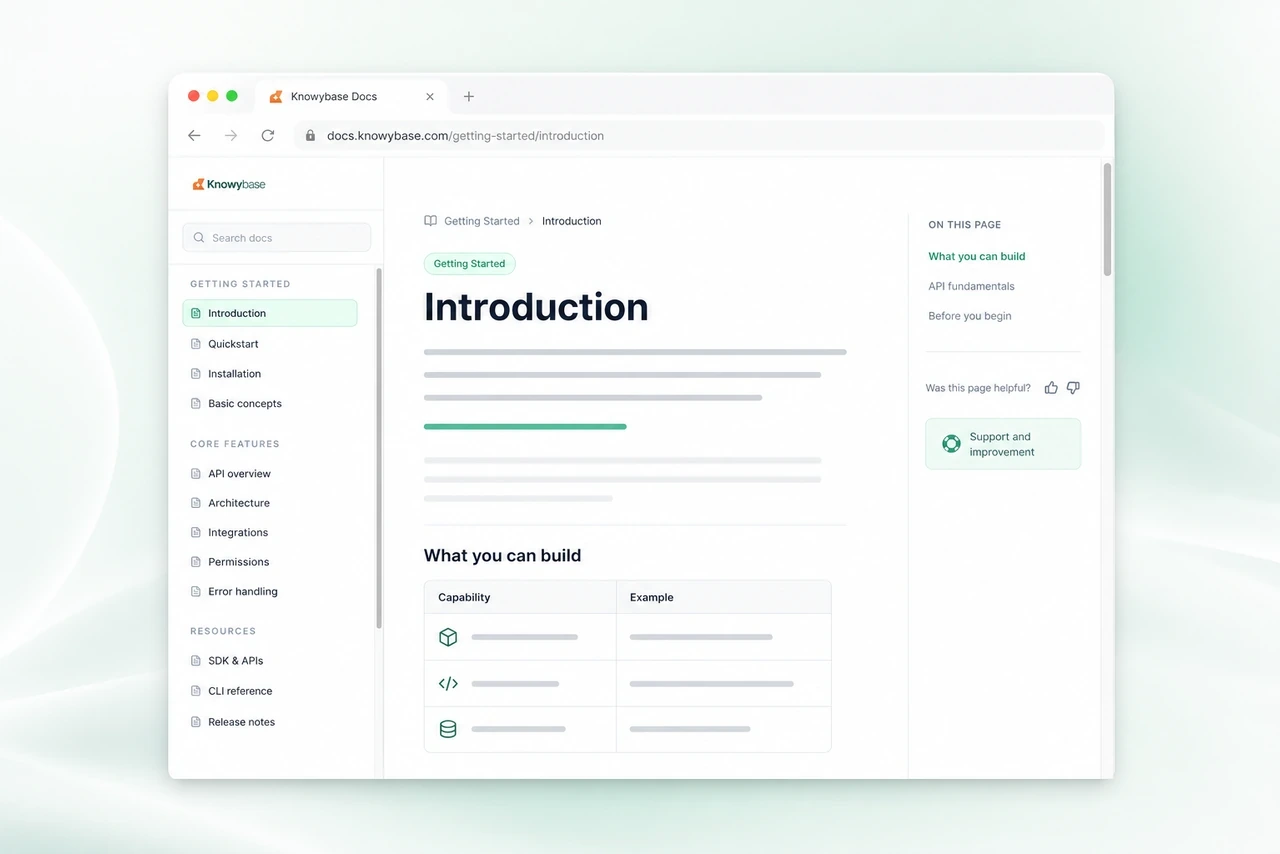
A calm SaaS knowledge base with centered reading, search, and emerald accents.
View live demo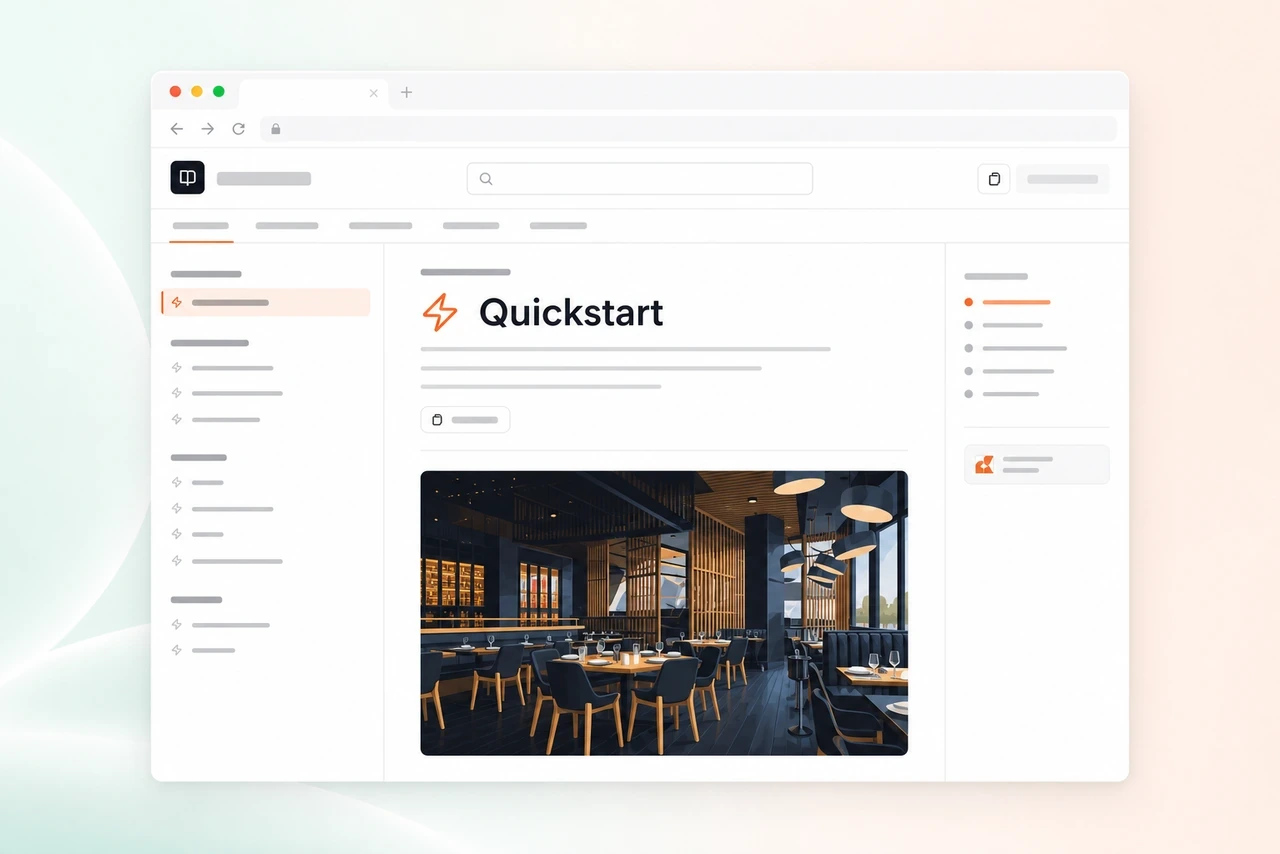
Broad navigation and a strong left rail for larger product knowledge bases.
View live demo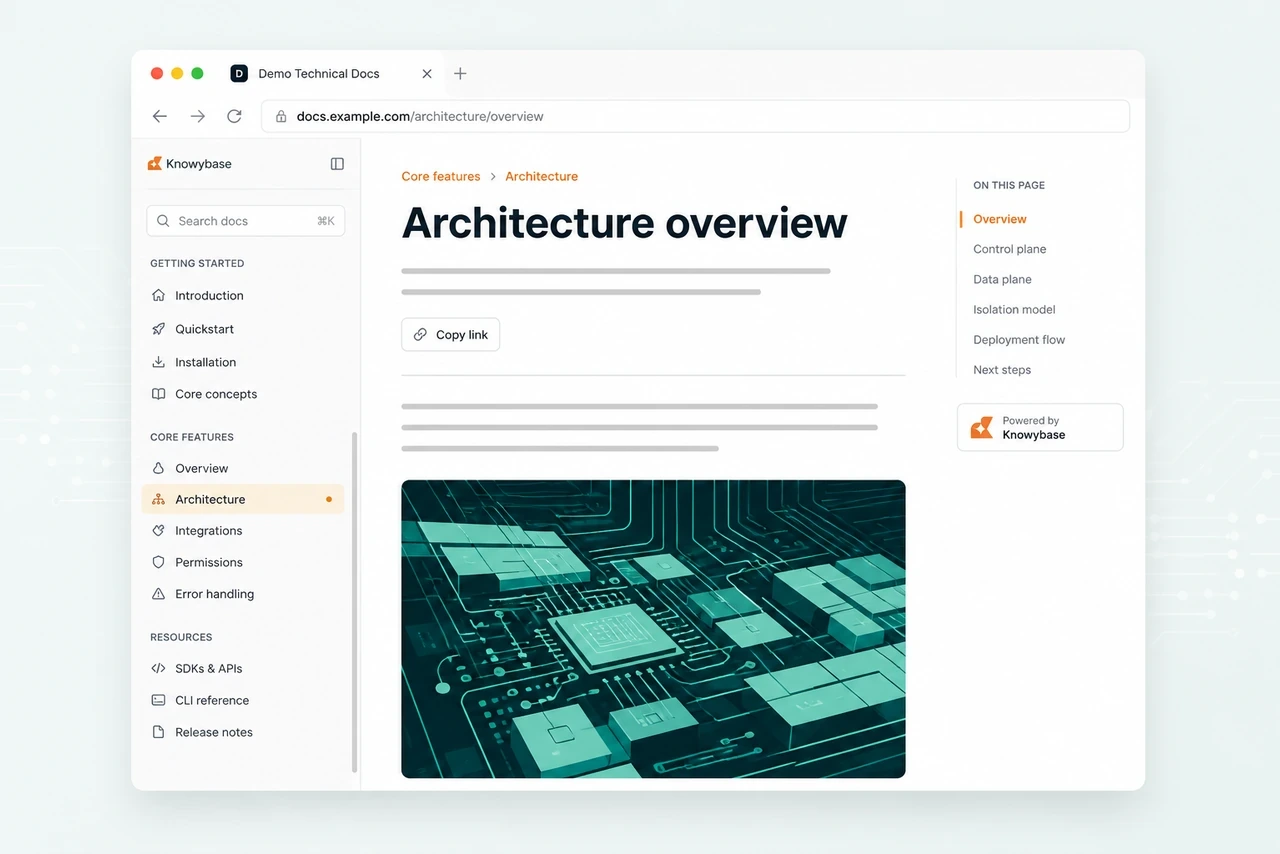
Developer-focused docs with dense navigation, code-friendly layout, and clear hierarchy.
View live demo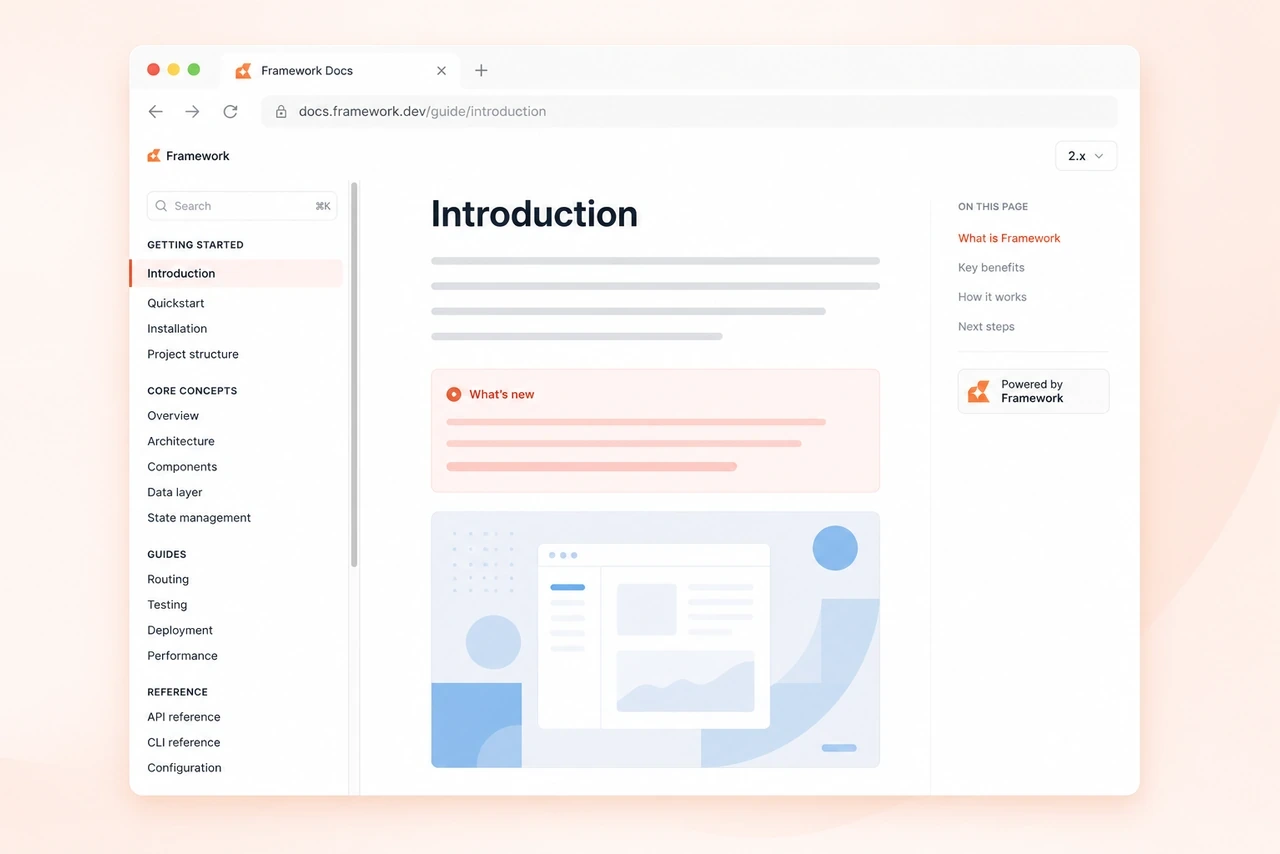
Chapter-style docs with search and TOC for teams who think in developer manuals.
View live demoKeep every product’s docs in one place without juggling a separate tool for each launch.
Give writers, operators, and admins clear roles so publishing never becomes a handoff mess.
Ship public API references and release notes with a customer-facing experience that feels finished.
Compare all four plans at once. Solo and team options stay visible while you switch billing.
Start focused with Maker, or choose Indie when you manage several products.
€9/month
Billed monthlyOne product docs site for a solo builder€24/month
Billed monthlyMultiple product docs sites for a solo builderAdd roles and invitations with Team, or raise every limit with Business.
€59/month
Billed monthlyCollaborate with roles and invitations€129/month
Billed monthlyScale docs across many productsStart with a free Explore trial (no card, review-only). Or begin a 14-day plan trial with a payment method — cancel before it ends.
The practical details teams usually need before moving their documentation workflow.
Yes. Start with a free Explore trial (no card) to write and create review releases. When you choose a paid plan, Checkout starts a 14-day Stripe trial that requires a payment method before you publish public docs.
Create an account, add your first docs site, and start writing. Explore trials stay private with review releases; choose a plan when you are ready to publish publicly or connect a custom domain.
Maker suits one product, Indie supports multiple products with multilingual docs (beta), Team adds collaboration, and Business raises the limits for larger portfolios.
Yes. Build structured API references with headings, code blocks, tabs, callouts, reusable content, and clear page navigation.
Yes. Start on a hosted docs URL, then connect a custom domain when you are ready to make the experience fully yours.
Yes. Keep work in draft, create an immutable review snapshot, and promote that exact release to production when it is approved.
Yes. Organization roles and invitations keep administration, writing, and publishing responsibilities clearly separated.
Yes — in beta. On Indie+ plans, opt in under Organization settings → Beta features, then enable locales per site. Manage localized page versions, track translation coverage, and use AI-assisted translation where included. Customer-facing docs chrome strings are not translated yet.
Start with structure, publish with confidence, and present a finished docs experience for every product you ship.